Templates that convert are designed to capture attention and drive meaningful actions from your audience. They combine clear messaging, compelling offers, and strong calls-to-action to maximize engagement.
With the right structure and personalization, these templates help nurture leads, build trust, and guide users smoothly through the customer journey.
By continuously testing and optimizing your templates, you can improve conversion rates, boost performance, and achieve better results from every campaign.
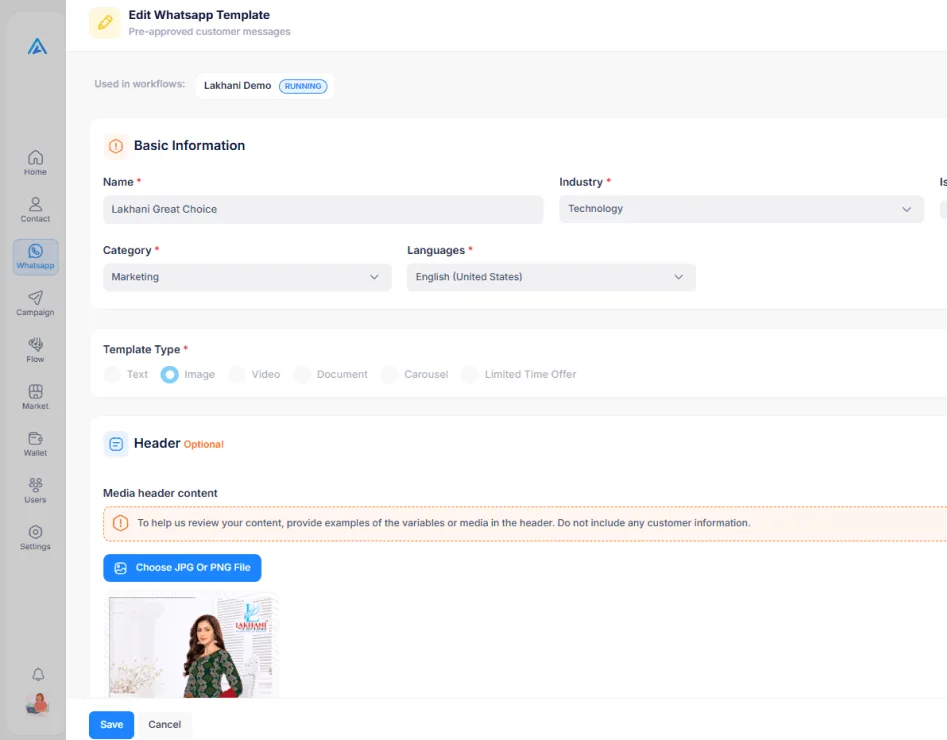
Compose templates in a WYSIWYG editor with a live phone preview showing exactly how your message will appear on iOS and Android devices.
Attach images, videos, documents, or location pins as template headers. Rich media templates consistently outperform plain text in engagement rates.
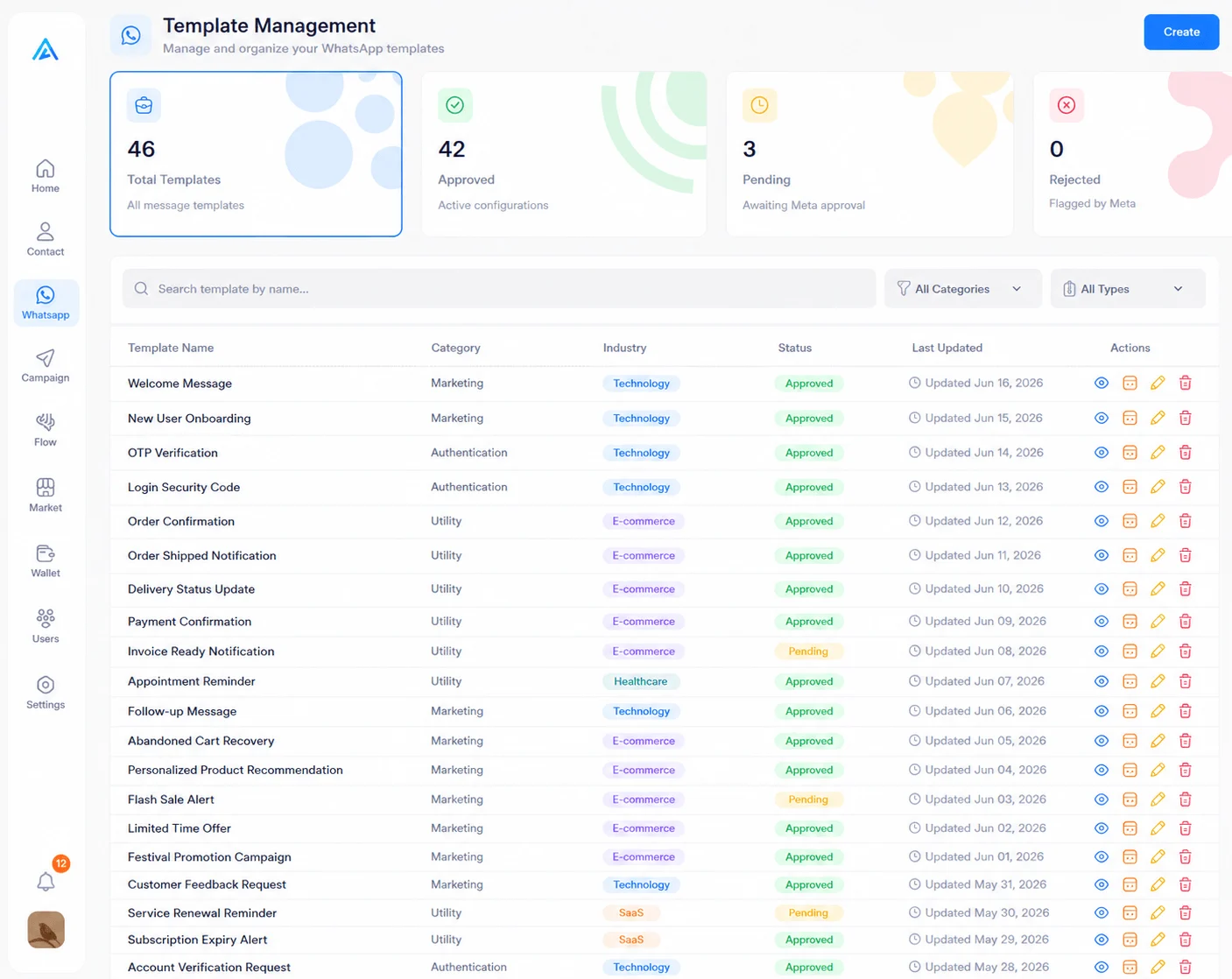
Monitor Meta approval status for every template in real time. Get notified instantly when templates are approved, rejected, or flagged for revision.
Track delivery rates, open rates, and click-through rates for each template. Identify your top performers and iterate on what works best.
Meta categorizes WhatsApp templates into three types. Arthix makes it easy to create and manage all of them.
Send transactional messages like order confirmations, shipping updates, appointment reminders, and account notifications. Utility templates have the highest approval rates and are essential for customer communication outside the 24-hour window.
Promote products, announce sales, share offers, and drive engagement with promotional messages. Marketing templates support rich media headers and interactive buttons to maximize conversions and click-through rates.
Deliver one-time passwords and verification codes securely. Authentication templates follow a strict Meta-defined format with auto-copy functionality, ensuring seamless and secure login experiences for your users.
Every tool you need to create templates that get approved and drive results.
Follow these guidelines to improve your chances of getting templates approved by Meta. Ensure your content is clear, compliant, and aligned with platform policies.
Write clear templates with a defined purpose and no vague language. Match content to the category for faster approval.
Use realistic sample values instead of generic placeholders. Show actual use cases like real product names or order numbers.
Avoid threatening, misleading, or policy-violating content. Templates with restricted products or services will be rejected.
Use line breaks, bold text, and emojis to improve readability. Well-formatted templates are easier to review and more engaging.
Advanced workflow capabilities help you automate complex processes with precision and efficiency. They enable smarter decision-making, seamless integrations, and highly customized user experiences.
Preview your template in real time on iOS and Android with live variable rendering.
Create variations to find the highest-performing version before scaling.
Track every edit with automatic version history and roll back if needed.
Create localized templates in different languages for management.
Start your free trial today and experience every module hands-on. No credit card required, no setup fees, no strings attached.